Skip to content
colabsports
Performance coaching
loopGOAT Coaches & Academies

Keep the coach in the loop.
Athlete first.

loop carries coach knowledge into the moment: plain answers, useful cues, and human judgment still in charge.

LOOP OPERATING MODES

Immediate coaching support

Source

Coaching Source

Championship movement standards, plain-language cues, and earned judgment anchor the loop.

TrustLOOP
Coach brainLOOP
Next actionLOOP
Professional

Expert Coaches

Proven systems from coaches who make complexity useful.

1Macro planPlan
2Session reviewPlan
3Race strategyPlan
Review loopAdjustments
Always-on

Colab Loop

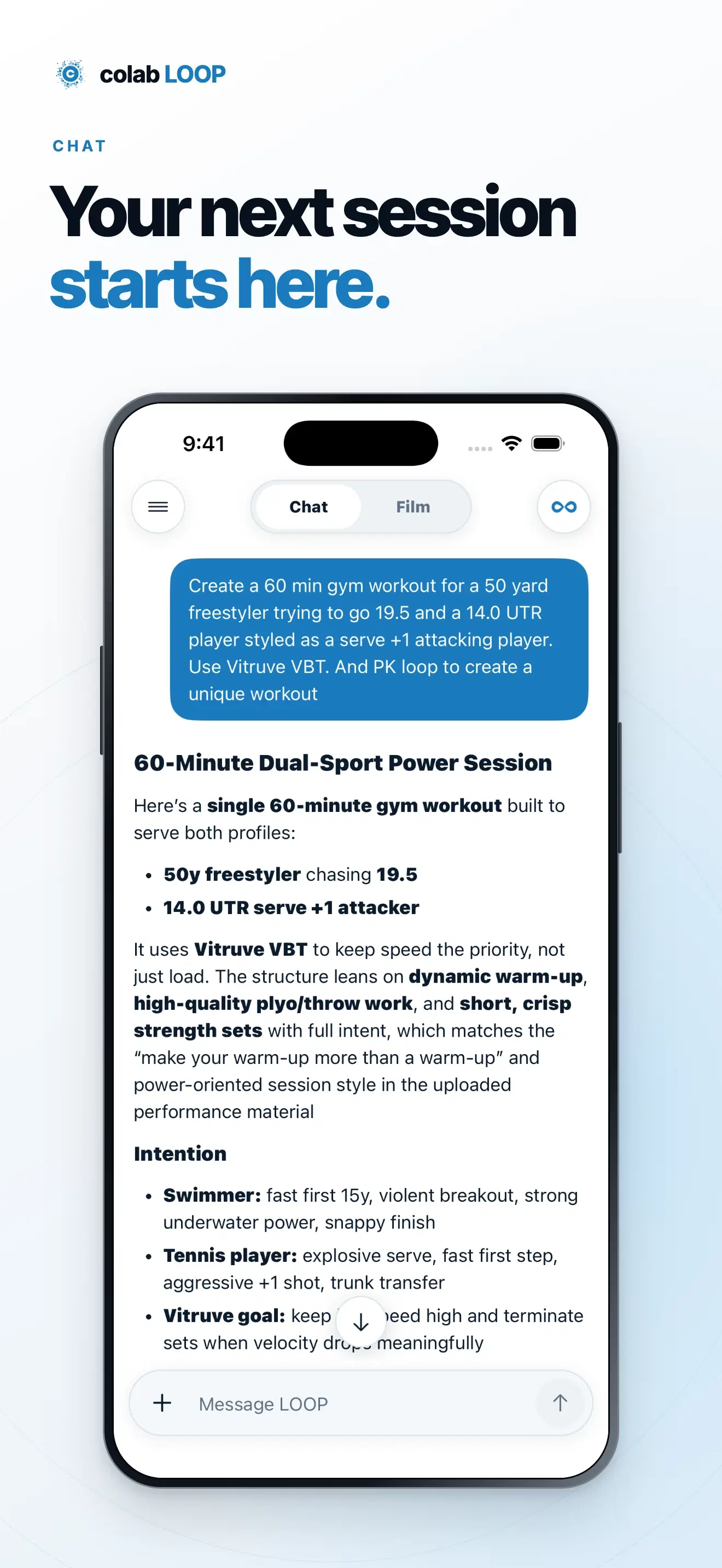
A grounded coach prompt, trained on source material instead of vague advice.

Athlete: What should I fix this week?
Smart loop: Start with recovery, then move your key set to Thursday.
Video linkPlan tweakTesting
Brand + Colab

Brand Academies

Co-branded lessons, gear, and member access built around a real program.

Drops
Gear
Perks
Playbooks

LOOP GUIDED MOVEMENT FORCE

A loop is not a chatbot. It is years of expertise.

EdDdegreeMaster'sdegree13NCAA titles80+NCAA champs300+SEC champsAAAll-Americans40+Olympians32Olympic medals

LOOP

loop

Art

Gear makes the moment memorable

Motion, timing, and tone give each loop a shape people can remember without locking it to one sport.

Science

The Filmroom keeps the loop honest

Evidence, thresholds, and repeatable checks turn source material into decisions that can be tested again.

Tech

Chat carries the conversation

Performance, analysis, coaching chat, products, and session state stay connected so the next prompt starts with usable memory.

Design

a Coach makes the next action clear

loop turns the inputs into a simple path: see the source, understand the tradeoff, choose the next action.

LOOP KIT

Colab Loop kit

LAB · TRACE

See the pattern before the next rep.

Start in CHAT with a clip and a question. TRACE turns visible evidence into a four-step movement review and keeps the next rep attached to one clear priority.

01 · CHAT

Start with the coach

Upload the clip and name the movement question that matters now.

02 · ANALYZE

Find visible evidence

Read the full movement before dividing it into coachable windows.

03 · TRACE

Build the four steps

Organize line, speed, drive, and control without inventing outputs.

04 · NEXT REP

Carry one priority

Finish with the evidence and cue that should shape the next repetition.

LAB · ECHO

Turn movement into a coaching sequence.

Start in CHAT with a clip and a question. ECHO makes the movement visible, HERO turns the analysis into coachable next actions, and BOUNCE estimates sport-specific performance.

01 · CHAT

Start with the coach

Upload a clip, choose an analysis mode, and ask Smart Loop what to work on next.

02 · ECHO

Reveal the movement

Turn video into a Motion Stack of the key moments that define the skill.

03 · HERO

Cue the next action

Carry ECHO frames into coach cues, audio, and an athlete-ready next step.

04 · BOUNCE

Estimate performance

Measure sport-specific movement metrics and set a clear condition for the next retest.

LAB · HERO

One visible weakness. One next action.

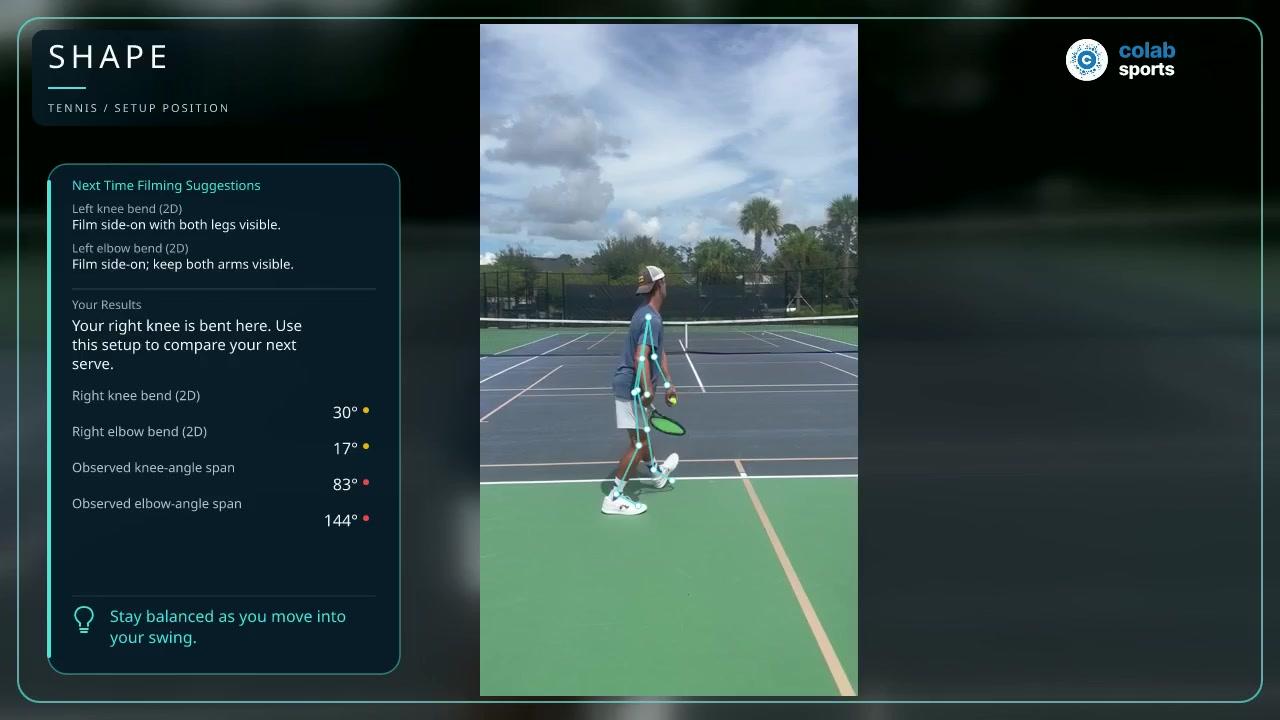
Start in CHAT with the uploaded clip. HERO finds the weakest visible phase, explains the evidence in plain language, and returns one coachable next action for the retest.

01 · CHAT

Ask what to fix

Attach the clip and give HERO the athlete and skill context.

02 · VISION

Read the visible phase

Use only the frames and measurements the camera can support.

03 · CUE

Name one next action

Turn the priority phase into a short coachable instruction.

04 · RETEST

Check the next clip

Capture the same movement window and look for the intended change.

LAB · RVRB

Keep rhythm and path in view.

Start in CHAT with one full-motion clip. RVRB isolates the athlete and renders five delayed silhouettes so rhythm, path, and timing stay visible through the complete action.

01 · CHAT

Choose the movement

Upload the complete action and keep the athlete visible in frame.

02 · SEGMENT

Isolate the athlete

Separate the moving athlete from the background without changing timing.

03 · TRAILS

Reveal the path

Layer five delayed silhouettes across the live movement.

04 · COMPARE

Add a reference

Use a second clip when a synchronized comparison is useful.

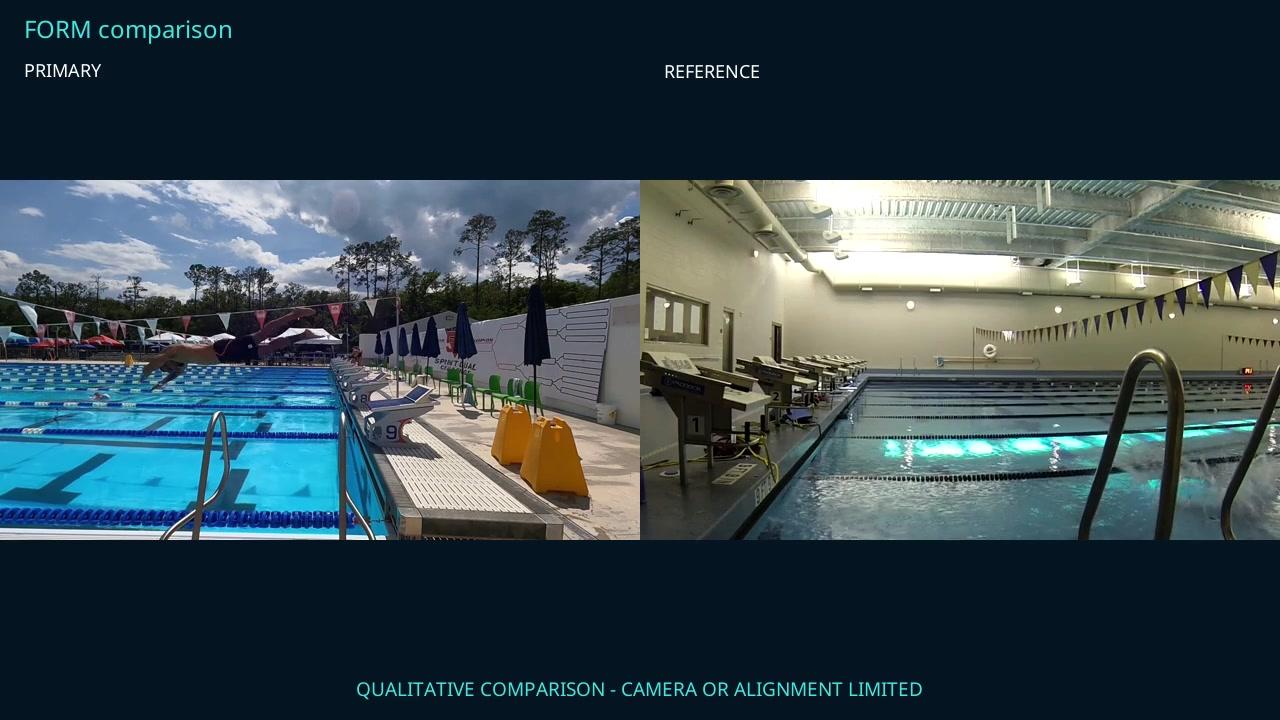
LAB · MIRROR

Put the comparison side by side.

Bring two clips into CHAT. Mirror synchronizes the primary action and makes the visible gap easier to coach; this demonstration stays qualitative because the cameras are unmatched.

01 · CHAT

Name the comparison

Start with the athlete clip and the coaching question.

02 · TWO CLIPS

Add the reference

Use a model or prior rep that shows the same intended skill.

03 · SYNC

Align the action

Match the takeoff window before describing any visible difference.

04 · CUE

Retest the same view

Return one cue and request a matched camera angle for reliable scoring.

LAB · BOUNCE

Measure what the camera can prove.

Start in CHAT with a sport-specific movement. BOUNCE estimates only what the camera supports, labels confidence and calibration, and sets a clear condition for the next retest.

01 · CHAT

Name the test

Upload the full movement and ask for the sport-specific result.

02 · ESTIMATE

Use visible outputs

Measure timing and shape only where the clip provides evidence.

03 · CONFIDENCE

Label the limits

Keep calibration, data trust, and unavailable projections explicit.

04 · RETEST

Capture what is missing

Set the exact camera window needed for a stronger next estimate.

HERO VISION CUES

AI VISIONACADEMY CUEHold the toss longer.One cue. One drill. One success metric.HERORESPONSE12345678AUDIO CUESay the fix.CUE METADATAKeep the next step.ACCESSLoop or academy.
REP · CUE · IMPACT

Skill under repetition.

Source

Uploaded clip

Cue

Coach standard

Proof

Success metric

Membership gated

The cue stays with the source.

FAQ

Common questions

SMART LOOP∞

How Smart Loop∞ works

Training historyWearablesTravel + availabilityGOAT targets
Contextual

Intent-aware chat

Transparent

Reasoned updates

Adaptive

Schedule fit

Unified

One loop

loop next step

Put the coach, athlete, proof, and next action in the same loop

Start with membership, then connect loop to Filmroom, ECHO, community days, and the coach-approved plan.